 www.iqsource.ai
 WebMCP: Your Website Talks to AI Agents Now
Ricardo Argüello — February 25, 2026

CEO & Founder
General summary
When an AI agent visits your website today, it downloads the entire HTML and burns 50,000 to 100,000 tokens to find three data points — expensive, fragile, and breaks whenever you redesign. WebMCP is a W3C draft spec that lets your site expose structured tools to the browser so agents call functions instead of parsing HTML.
- Current agent-web interactions waste 50K-100K tokens per page visit just to find a few data points buried in HTML noise
- WebMCP is a W3C draft spec co-authored by Google and Microsoft — your website declares its capabilities and agents call defined functions instead of scraping
- It complements MCP, not replaces it: MCP handles backend connections, WebMCP handles browser-based interactions
- Chrome 146 Canary already includes experimental WebMCP support with user permission controls
- We already use it on the IQ Source site — for companies building AI-accessible products, adopting early avoids a costly retrofit later
Imagine you walk into a restaurant and instead of getting a menu, you have to read every poster on the wall, every decoration, and every sign to figure out what food they serve. That's how AI agents interact with websites today — they download everything and try to make sense of it. WebMCP is like the restaurant just handing the agent a clean menu: here's what we offer, here's how to order. Much faster, much cheaper, and it doesn't break when the restaurant redecorates.
AI-generated summary
Every agent interaction with your website is burning money
Here’s something most companies haven’t calculated: when an AI agent visits your website today, it downloads the full HTML, sends the entire DOM to a language model, and asks it to figure out what’s on the page. Menus, footers, cookie banners, inline scripts — everything gets tokenized. A single page interaction can consume 50,000 to 100,000 tokens just for the model to find a contact form.
Try it yourself. Open any corporate site and ask an agent to fill out a contact form. A typical product catalog page weighs around 80,000–90,000 tokens when fed raw to a model. The agent might need exactly three data points — product name, price, availability. That’s maybe 200 tokens of useful information buried inside tens of thousands of tokens of noise.
Now multiply that by every agent interaction, every day, across every page. The waste is staggering — and it gets worse. When you redesign your site, change a CSS class, or move a div, the agent breaks. It was parsing visual structure, not calling a defined interface.
This is the problem WebMCP solves.
The bridge between MCP and the browser
If you’ve worked with the Model Context Protocol (MCP), you know the pattern: a server exposes tools with structured inputs and outputs, and an AI assistant invokes them. MCP handles the backend — databases, APIs, internal systems.
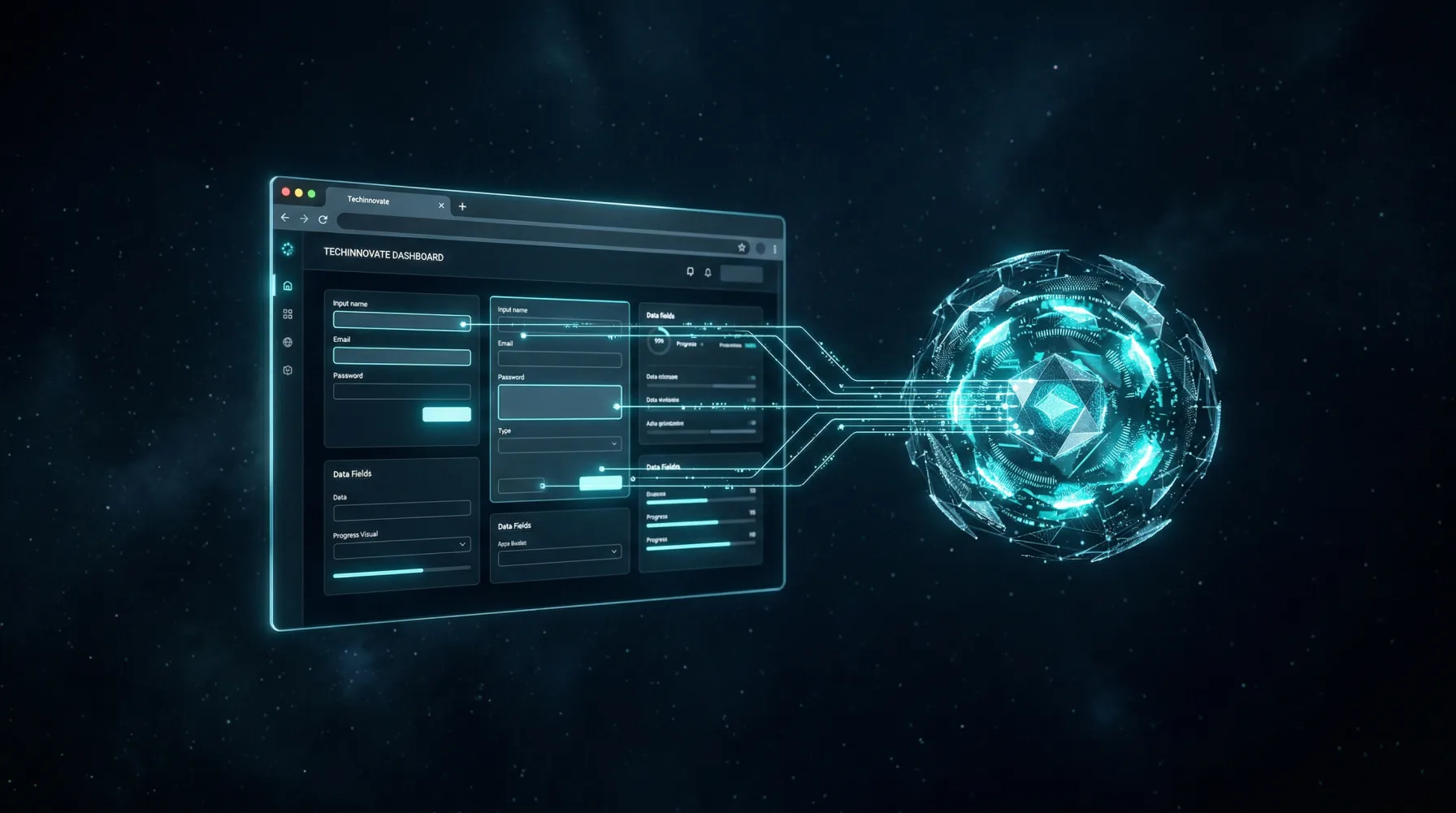
WebMCP brings that same concept to the browser tab. Your website tells the browser: “I have these tools available.” An AI agent discovers them and calls them like functions. No scraping. No screenshot analysis. No guessing where the submit button lives.
The spec is a W3C Community Group Draft Report, edited by Brandon Walderman from Microsoft, and Khushal Sagar and Dominic Farolino from Google. It’s early — some sections still say “TODO: fill this out.” But having Google and Microsoft co-authoring the same browser spec is not something you see often.
The API: what you actually write
Everything hangs on a new browser object: navigator.modelContext. Through it, you register tools that agents can discover and invoke. There are no declarative HTML attributes — all registration happens in JavaScript.
Four methods cover the full surface:
registerTool()— expose a capability to agentsunregisterTool()— remove it when the user changes contextprovideContext()— share static information (pricing, hours, policies)clearContext()— clean up when context is no longer relevant
Each tool has a name, a description, an inputSchema defined as JSON Schema, an execute callback that returns a Promise, and optional annotations like readOnlyHint that signal whether the tool modifies data.
Here’s a simplified example from our own site:
await navigator.modelContext.registerTool({
  name: "run-web-audit",
  description: "Run an AI-readiness audit on any website URL",
  inputSchema: {
    type: "object",
    properties: {
      url: { type: "string", description: "Website URL to audit" }
    },
    required: ["url"]
  },
  annotations: { readOnlyHint: true },
  execute: async (input, client) => {
    const response = await fetch("/api/audit", {
      method: "POST",
      body: JSON.stringify({ url: input.url })
    });
    return await response.json();
  }
});
The execute callback receives two arguments: input (validated against your schema) and client, which gives access to requestUserInteraction() — a way for the agent to ask the user for confirmation before doing something consequential. The whole API requires SecureContext, so it only works over HTTPS.
What I like about this design: the agent never touches your HTML. It receives a catalog of typed functions. When it wants to run an audit, it calls run-web-audit with a URL string. When it wants to schedule a meeting, it calls schedule-meeting with name, email, and date. The interface is the tool definition, not the page layout.
The real cost difference: 67% less overhead
According to Forbes, WebMCP reduces computational overhead by approximately 67% compared to traditional HTML scraping.
The math checks out. An agent scraping a page sends the full DOM to the model — easily tens of thousands of tokens per interaction. With WebMCP, it sends a structured tool catalog. The token consumption drops from tens of thousands to a few hundred.
But cost isn’t even the biggest win. Reliability is. A tool invocation with typed parameters doesn’t break when you redesign your site. It doesn’t care if you switch from Tailwind to vanilla CSS, move a form to a different URL, or add a promotional banner above the fold. The contract between agent and website is the registered tool, not the rendered HTML.
For companies that already have MCP servers connecting their internal systems, WebMCP closes the loop on the other side: agents already talk to your backend, now they talk to your frontend too.
15 tools on our own site
We didn’t wait for the stable release. The IQ Source website already has 15 tools registered with WebMCP. When an AI agent visits iqsource.ai, it finds functions to submit a contact form, subscribe to the newsletter, run the website audit, use the ROI calculators, and switch the interface language.
Consider the difference. Without WebMCP, an agent visiting the site has to scan the page visually, locate the audit form among all the other content, and guess which fields to fill. With WebMCP, the agent finds the run-web-audit tool, sees it needs a URL parameter, asks for it, and executes the audit directly. No guessing, no parsing HTML.
The code is live on our production site right now — ready for when Chrome ships WebMCP in its stable channel. The implementation took less than a day. Most of the work was deciding which site features made sense to expose as tools and writing good descriptions for each one.
Maturity: promising, but honest
I should be straight about where this stands. WebMCP is not a W3C Recommendation. It’s not even on the W3C standards track. It’s a Draft Report from a Community Group — an early stage in the standardization process. Chrome 146 Canary has a working implementation, but Canary is the experimental channel where features get tested before anyone commits to shipping them.
The spec will change before it stabilizes. I’d bet on it.
That said, the signals are unusually strong for something this young. Google and Microsoft don’t co-author browser specs for fun. The problem WebMCP addresses — structured interaction between AI agents and websites — is growing more urgent every quarter as agent usage increases. Some version of this protocol is going to ship in stable browsers. The question is when, not if.
Why implement now instead of waiting
WebMCP works as progressive enhancement. If a browser doesn’t support navigator.modelContext, the registration code simply doesn’t execute. Your site doesn’t break. There’s no fallback to maintain. No fork in your codebase.
It’s the same principle as adding Open Graph meta tags. Platforms that read them display your content better. Platforms that don’t — nothing happens. The cost of adding WebMCP is low, the risk is zero, and the value compounds as more browsers and agents adopt the spec.
There’s also a practical advantage to going early: you define the tool catalog while you know your site best. Deciding which features to expose, what parameters make sense, and how to describe each tool for an agent — that’s design work, not just code. Doing it now means your site is ready the day stable Chrome ships the feature, not scrambling to catch up after.
Your site should be ready for agents
We offer WebMCP integration as a service: we analyze your site, identify which features make sense as agent-facing tools, write the registration code, and test it with real agents. If you want to see where your site stands today, start with the free website audit — it shows you in 30 seconds what an agent sees when it visits your page, and what it can’t do yet.
Frequently Asked Questions
No. MCP connects AI assistants to backend servers — databases, APIs, internal systems. WebMCP extends that concept to the browser: it lets your website expose tools that an agent invokes from the tab. They're complementary, not competing.
Today, most use web scraping or browser automation, which is fragile and breaks when sites change. WebMCP proposes a standard where web pages themselves declare their capabilities in a format agents can read directly, eliminating the need for scraping and reducing errors.
Working prototypes already exist. Chrome 146 Canary includes experimental WebMCP support, allowing AI agents to read and operate on web pages with user permission. Production adoption depends on more browsers and sites implementing the standard, expected to ramp up during 2026-2027.
WebMCP is declarative: the website tells the agent what it can do and with which data, instead of the agent trying to parse HTML structure. This reduces token usage, eliminates scraping fragility, and enables interactions with explicit permissions from both the user and the site.
Related Articles

Your Code Review Was Built for Humans. 41% of Code Isn't
41% of code shipped in 2025 was AI-generated, with a 1.7x higher defect rate. Your review process assumes the author understands the code. That's over.

What Your AI Won't Ask (and Your Startup Will Pay)
A founder lost $87,500 because his AI generated working code without questioning security. AI tools answer what you ask, not what's missing.